Why losing your place costs more time than you expect
Most crochet mistakes do not happen while you are working. They happen the moment you put the project down, come back an hour or a day later, and try to remember what row you were on. Counting completed rows by eye sounds simple until you are looking at forty rows of textured stitch work and every row looks the same.
A row counter removes that problem entirely. You tap once at the end of every row, and when you pick the project back up, the number is already there.
Physical counters vs app counters
There are two broad approaches, and both have a place depending on how you work.
Physical clickers
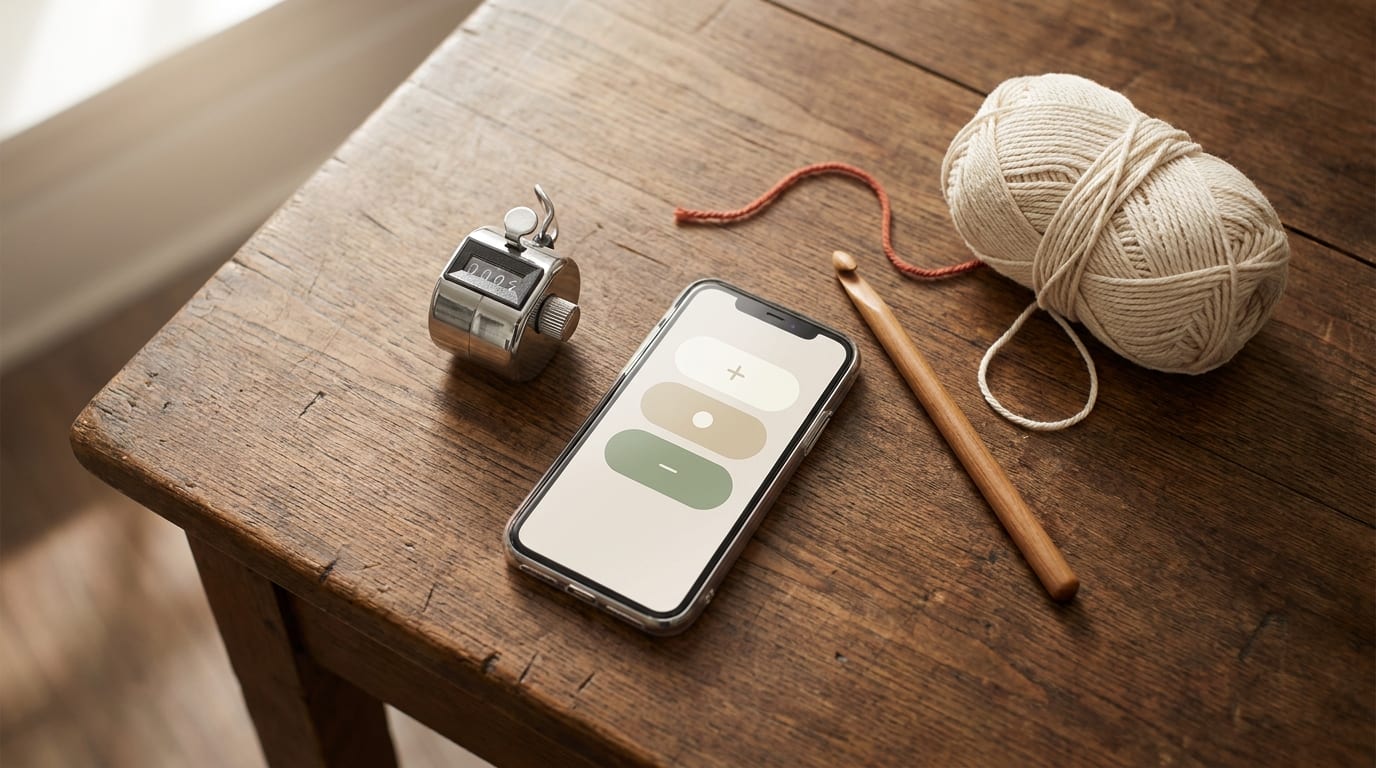
A physical row counter is a small mechanical device, usually a ring that sits on your finger or slips onto your hook, with a dial or button you click each time you finish a row. They cost around two to five dollars, require no battery (some are mechanical, some have a simple counter display), and work without your phone being nearby.
Their real weakness is that they hold one number at once. If you are working a project with multiple sections, like an amigurumi body, head, and two arms, a single clicker cannot track four independent counts at the same time. You end up writing the others on a scrap of paper, which defeats the point.
Physical clickers are best for simple flat projects: a scarf, a dishcloth, a blanket worked in plain rows where one running total is all you need.
App counters
A counter app on your phone supports multiple named counters in one place. You can track rows for the body, rounds for the head, and a repeat count for a stitch pattern simultaneously, all from one screen. Most apps also let you set a target number so the counter tells you when you have hit your goal rather than you having to remember it.
The trade-off is that your phone needs to be nearby and awake while you work. For most people that is not a real barrier, since the phone is usually within reach anyway. If you are crocheting somewhere you prefer to be screen-free, a physical clicker is the better fit for that session.
The best free row counter apps
Row Counter by Anaïs
Row Counter by Anaïs is the most widely recommended dedicated counter app among crocheters and knitters. The interface is intentionally minimal: you create a project, add as many counters as you need, name each one, and tap the plus button to increment. That is essentially the whole app, which is why it works so well.
The free version covers multiple counters per project, target counts, and project notes. A paid upgrade adds unlimited projects and some visual customization. For most crocheters, the free tier is enough.
It is available for both iPhone and Android.
CrochetZen
CrochetZen is a free iOS app built for crochet beginners that includes a built-in row counter alongside its AI pattern generator and stitch chart maker. If you are already using CrochetZen to plan your projects, the built-in counter keeps your count in the same place as your pattern, so you never switch between apps mid-row.
The counter supports multiple sections per project and integrates with the pattern notes, which means you can see your round count and your pattern instructions on the same screen. For a full overview of CrochetZen and how it compares to other crochet apps, see the best crochet apps guide.
Knit Counter
Knit Counter is another simple free option available for both iOS and Android. It works for crochet despite the name, and covers the basics: multiple counters, named projects, and target counts. The design is slightly more polished than Row Counter by Anaïs, which some users prefer. The core features are free, with optional in-app upgrades.
Setting up a row counter for different project types
Flat projects (scarves, blankets, dishcloths)
A flat project worked in rows needs exactly one counter: a running row count. Set up a single counter named after the project and tap it each time you complete a row and turn the work. When you reach the number of rows your pattern calls for, you are done with that section.
If your pattern has a stitch repeat (for example, every six rows completes one pattern repeat), you can add a second counter for repeats. That way you track both total rows and how many complete repeats you have finished, which is useful for adjusting length before you fasten off.
Amigurumi (worked in rounds)
Amigurumi pieces are shaped by increasing and decreasing stitches across a set number of rounds. The round count tells you when to switch from increasing to straight rounds, and when to start decreasing. Getting it wrong changes the shape of the piece, and shapes that are off by even two or three rounds often do not match up when you try to sew pieces together.
For an amigurumi project, create one counter per piece. Name them clearly: Body, Head, Arm (make 2), Ear (make 2). Set the target round count from the pattern for each one. Work one piece at a time to its target, then move to the next counter. When all targets are hit, all your pieces are the correct size and should assemble without adjustment.
For a deeper look at amigurumi construction and shaping, see the amigurumi for beginners guide.
A few habits that make counters work better
Tap before you set down the work, not after you pick it up. The safest moment to increment the counter is when you finish a row, not when you resume. If you always tap at the end, the counter is always current when you return.
Name every counter clearly. "Counter 1" and "Counter 2" are not helpful when you return to a project after a break. "Body rounds" and "Head rounds" tell you immediately what each number means.
Keep your phone on the same surface as your yarn. A phone across the room is a phone you will stop updating. Keep it within arm's reach so tapping the counter stays effortless.
Set target counts from the pattern before you start. Most counter apps let you enter a goal number. Setting the target at the beginning means the app tells you when to stop rather than you having to remember the number mid-row.
These are small habits, but they remove every moment of uncertainty that interrupts a calm crochet session.