What Stitch Fiddle is and why people look for alternatives
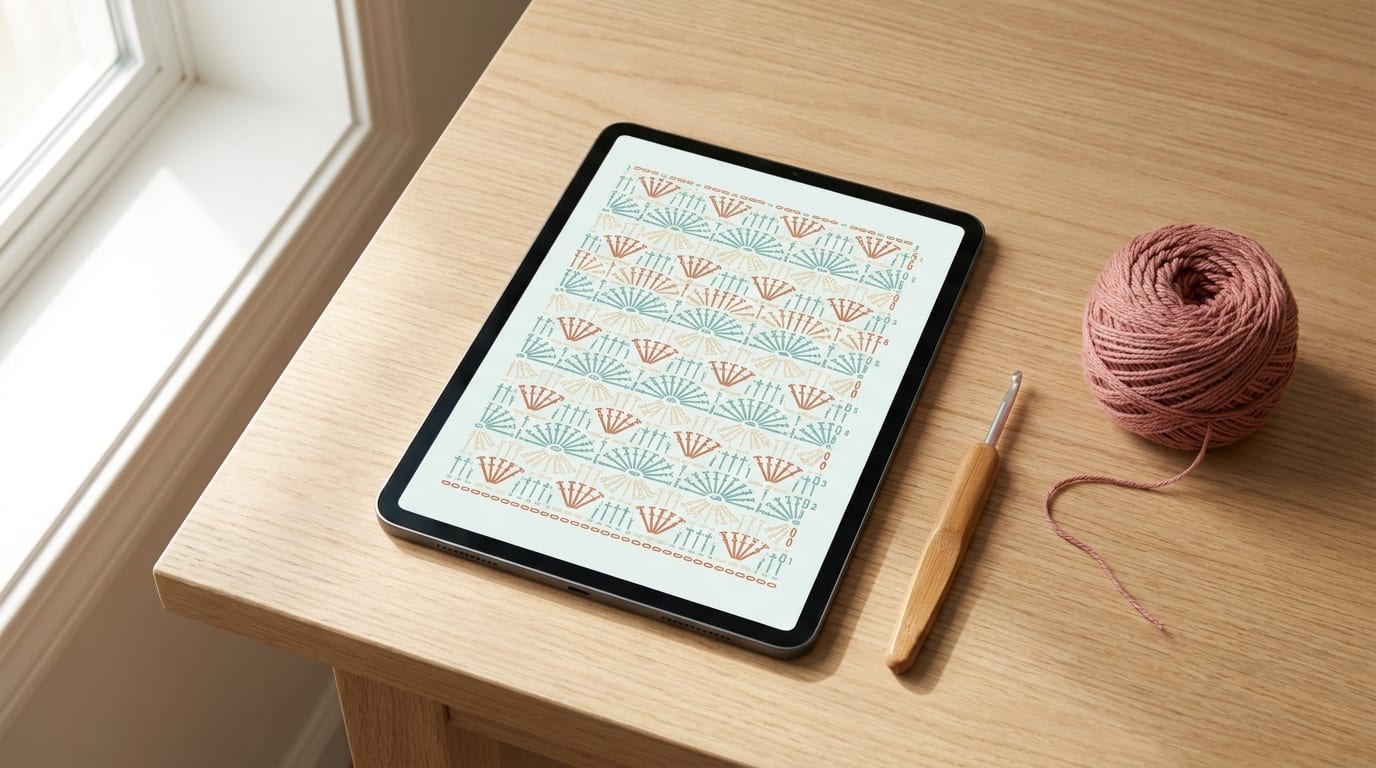
Stitch Fiddle is a browser-based tool for creating crochet and knitting symbol charts. You build a grid, place stitch symbols in each cell, add colours, and end up with a visual chart that you can follow row by row or share with others. It has been popular for a while because it was one of the first tools in this niche to do the job reasonably well.
The problem is the paywall. Stitch Fiddle's free tier is narrow: you can create and view charts, but saving more than one project requires a paid subscription. If you close the browser tab on an unsaved chart, the work is gone. That limitation is what sends a lot of crocheters and knitters searching for something better.
Beyond saving, Stitch Fiddle has a few other friction points worth knowing about before you invest time learning it:
- No mobile app. Stitch Fiddle is web-only. On a phone or small tablet, the grid interface gets cramped and fiddly. There is no official iOS or Android app.
- Learning curve on the interface. New users often find the toolbar and symbol menu confusing at first. The grid works, but it is not the most intuitive layout.
- Export is limited on the free tier. Exporting your finished chart as a clean PDF or image is a paid feature.
None of this makes Stitch Fiddle a bad tool — it does what it says. But if those limitations matter to you, there are solid alternatives worth knowing.
The main alternatives, and what each one is good for
CrochetZen (iOS app)
CrochetZen takes a different approach from Stitch Fiddle. Rather than asking you to build a chart cell by cell, it uses AI to generate written crochet patterns from a description. You tell it what you want to make — a granny square, a ribbed beanie, a baby blanket in DK weight — and it produces a complete pattern with stitch counts, row instructions, and sizing.
This is genuinely useful when you have an idea but do not know how to structure the math behind it. The AI handles yarn weight adjustments, stitch multiples, and shaping without you needing to work it out from scratch.
CrochetZen is not trying to be a symbol chart editor. If your goal is to create a visual grid chart — say, a colourwork motif or a filet crochet design — you will want to combine it with one of the web tools below. But for generating a starting pattern quickly, especially on your phone away from a desk, it fills a gap that Stitch Fiddle does not address at all.
The app also includes a free gauge calculator and a stitch chart maker that work without creating an account.
Stitchboard.com
Stitchboard is probably the closest direct alternative to Stitch Fiddle for grid-based charting. It runs in a browser, works on desktop and mobile, and lets you create colour charts for colourwork (knitting or tapestry crochet), cross-stitch patterns, and pixel-art-style designs.
The free tier at Stitchboard is more generous than Stitch Fiddle's. You can save multiple projects and export basic images without paying. A paid plan unlocks higher resolution exports and a few extra features, but for casual use or simple patterns, the free tier is workable.
Where Stitchboard excels is in colour management. You can import a photo and convert it to a yarn-colour chart, which is handy for designing colourwork or making a graphgan blanket from a picture. If you are working with symbols (individual stitch symbols rather than solid colour squares), it is less comprehensive than Stitch Fiddle.
Stitch Fiddle free tier (for simple one-off charts)
It is worth mentioning that if you only need to create a single chart and are happy to print or screenshot it immediately, Stitch Fiddle's free tier is still usable. You do not need to pay to create the chart — only to save it persistently. If your workflow is to build a chart, print it, and move on, the free tier can work.
The workaround people use is to screenshot the finished chart before closing the tab. Not elegant, but it is free.
Canva or Google Slides (for simple grids)
A less obvious option for crocheters who do not want to learn a specialised tool: use Canva or Google Slides to build a chart by hand. You create a table, colour cells, and add text symbols. This works fine for small, simple charts — a 10×10 stitch repeat or a basic motif — and everything saves automatically to your account.
The trade-off is that there are no pre-loaded stitch symbols, no row counters, and no crochet-specific features. You are essentially building a grid in a presentation tool. For complex designs with many different stitch types, this approach gets tedious fast.
Knit Companion and Row Counter apps
If your main need is following an existing chart rather than designing one, a row counter app or a pattern organiser is a better fit than a chart-creation tool. Knit Companion (iOS and Android) is designed for reading complex charts with tracking features. These tools do not let you create charts, but they solve a different problem — keeping your place in a design someone else made.
Which tool should you actually use?
Here is a quick decision guide:
You want to generate a new crochet pattern from scratch on your phone — try CrochetZen. Describe what you want, let the AI produce a written pattern, then adjust from there.
You want to design a colourwork or tapestry chart with specific colours — Stitchboard is the strongest free option. Import a reference image or build the grid by hand.
You want to make a symbol chart for a stitch-by-stitch crochet design — Stitch Fiddle's free tier is still workable if you save or print immediately. If you need persistent saving, a subscription is the straightforward answer.
You want quick calculations while you work — the free tools on CrochetZen, including the gauge calculator and stitch chart maker, are the fastest option with no sign-up needed.
You want to follow a chart someone else made — look at row counter and pattern reader apps rather than chart-creation tools.
What makes a crochet chart tool genuinely useful
Before committing to any tool, it helps to know what you actually need it to do. A few things worth checking:
Saving without limits. The whole point of planning a pattern digitally is to come back to it later. A tool that gates saving behind a subscription is frustrating if you are working on multiple projects at once.
Works on your preferred device. If you design at a desk, a browser tool is fine. If you prefer working from the sofa with your phone, a mobile app matters more than a feature-rich web interface you never open.
Exports in a format you can actually use. A chart you cannot print, share, or attach to a pattern document is less useful than it sounds. Check that the tool can export a clean PDF or image file before you invest hours building a design in it.
A symbol library that matches what you crochet. Different tools have different built-in symbol sets. If you regularly use post stitches, shells, or bobbles, check that the symbols are available before choosing.
Not too much to learn. The best tool is the one you actually open. A powerful tool with a steep learning curve often gets abandoned in favour of a simpler one that you understand immediately.
A note on paid tools vs free
Paying for a good tool is often worth it if you use it regularly. Stitch Fiddle's subscription unlocks full saving, higher-quality exports, and unlimited projects, and if you design patterns professionally or frequently, that is a fair trade.
What is frustrating is discovering mid-project that the free tier is too narrow to complete what you started. If you plan to use Stitch Fiddle seriously, it is worth knowing the paid tier exists and what it costs before you begin, rather than hitting the wall after an hour of work.
The free alternatives mentioned here — CrochetZen for pattern generation, Stitchboard for colour charting — are genuinely free at a useful level rather than free-in-name-only. That is worth knowing if budget is a real constraint.
Getting started
If you are new to digital crochet planning and not sure where to begin, the practical suggestion is this: try Stitchboard for your first colour chart and CrochetZen for your first generated pattern. Both are free to try with no account setup required for basic use. If you find yourself using one of them constantly, consider whether a paid upgrade adds enough to be worth it. And if you discover Stitch Fiddle's interface clicks for you, the free tier is a reasonable place to start before committing.
The tools are there to serve the making, not the other way around.